
Best AI Zombie Video Generators: How to Choose
Compare dedicated zombie hug makers, general AI video tools, and editing templates to choose the workflow that fits your project.
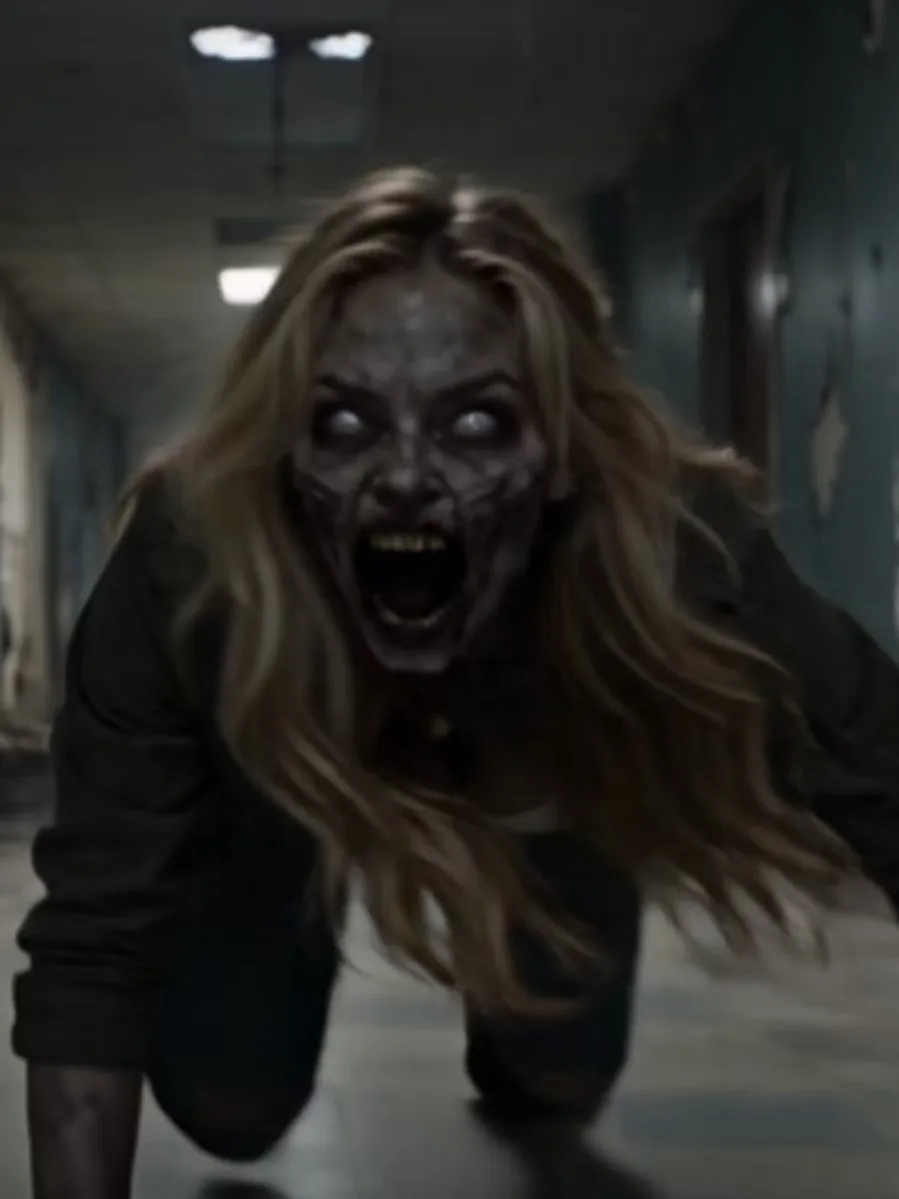
Concept illustration of the preset zombie reunion story, not a customer result.
The best AI zombie video generator depends on what you mean by “zombie video.” A face filter, a general image-to-video model and a dedicated zombie hug generator solve different problems. For the viral two-person love story, prioritize two character references, an actual moving scene, and a clear transition from danger to a warm memory—not just a convincing zombie face.
This guide compares tool categories and verifiable product offers, not a claimed laboratory ranking of generated quality.
Three types of tools to consider
1. Dedicated zombie love story generators
These are designed around the existing trend. You provide portraits and the service supplies the shot order, reducing the need for prompting.
Examples with public product pages include:
- AI Zombie Video: our 15-second preset reunion, with two uploaded photos, optional apocalypse atmosphere, Standard 480P or HD 720P, and 9:16 / 16:9. Paid credits are required.
- MakeViral's AI zombie template: its product page describes a two-photo template and a 10-second output. Check its current model, pricing and audio terms before purchasing.
- ZombieTrend's generator: its page presents a 15-second, two-photo zombie love story and a credit-based generation workflow. Check which character goes into each slot; upload order is not universal across sites.
These products are useful when you want a narrow trend recreation, not a custom short film.
2. General-purpose AI video tools
Tools designed for wider video creation can be better for custom staging, outfits, movement, camera direction or an ending that is not part of a preset template. For example, Dreamina publishes zombie love story concepts and prompts.
The trade-off is hands-on work. You may need to generate the confrontation and the warm memory separately, then align the cut in an editor. Availability of multiple reference images, duration limits and costs depends on the specific plan and model.
3. Editing templates and filters
An editor such as CapCut is suitable for arranging clips, adding sound and applying effects. A generic zombie filter is not equivalent to generating a new narrative from two photos.
Read CapCut template vs generator for the practical distinction.
A simple choice matrix
| What you actually need | Start with |
|---|---|
| A familiar 15-second zombie love story starring two adults | A dedicated two-photo story generator |
| A zombie face makeover or single-photo effect | A filter or photo tool |
| A new apocalypse narrative with custom dialogue or ending | General-purpose AI video creation |
| Better sound, captions or editing for footage you already have | A video editor |
| A zero-cost experiment | Check current free credits and export limits on a suitable tool |
Five checks before choosing a tool
Photo support. Confirm whether there are two separate identity slots. If your partner turns into the zombie, you need the tool to know which portrait belongs to that role.
Story coverage. Inspect what the tool claims to make: standoff, recognition, weapon drop, charge and warm memory are distinct actions. A face-changing effect does not create them all.
Output specifications. A 10-second result and a 15-second result may stage the same story differently. Decide whether you need vertical 9:16, landscape 16:9, and the advertised resolution.
Audio. Never assume a particular model or site includes music or dialogue. On our site, sound is not guaranteed. You can add music after export.
Price and failed attempts. Compare the amount you need to spend to make your chosen resolution, plus what happens if a task fails. On our service, Standard consumes 10 credits, HD consumes 15, and confirmed failures return consumed credits. See full pricing.
Which would we pick?
We operate AI Zombie Video, so this is not an independent quality benchmark. Our product is a relevant choice only if you want the fixed 15-second two-photo reunion and accept the stated credit cost and editing limits. If you need detailed control over the acting or camera, use a general video generator. If you already have the footage, an editor may be all you need.
For execution details, see our two-photo walkthrough or DIY action prompt.
Product offers referenced here were checked October 11, 2026. Competitor terms may change.