
AI Zombie Trend: CapCut Template vs AI Generator
Should you use a CapCut zombie template or an AI video generator? Compare editing existing clips with creating an original two-photo story.
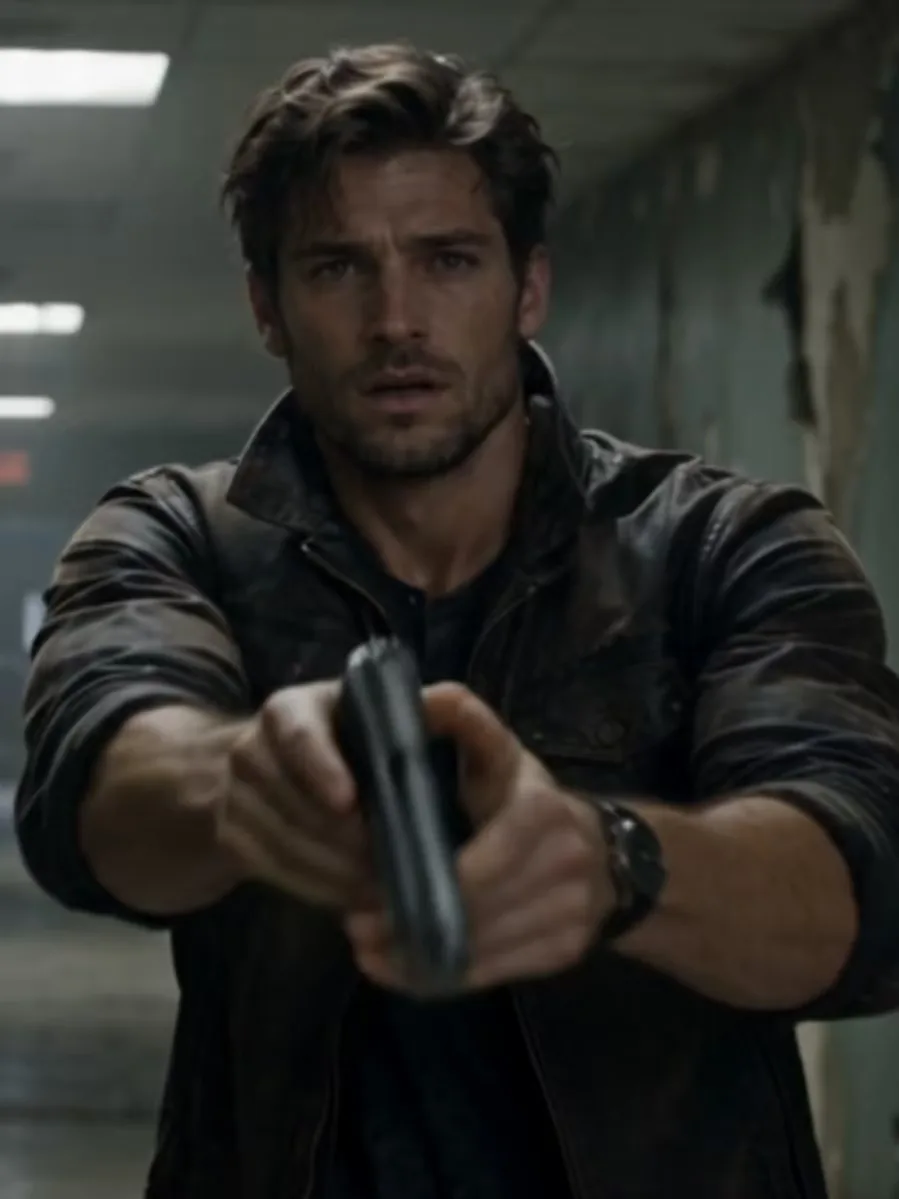
Concept illustration of the preset zombie reunion story, not a customer result.
Use CapCut when you already have clips to edit, need to align a transition or want precise control over music and captions. Use a two-photo AI zombie video generator when you need the story footage itself created from portraits. Those are different jobs, and searching for an “AI zombie CapCut template” can blur the distinction.
This comparison is about the zombie love story, not every effect in CapCut's large zombie template category.
What does a CapCut zombie template actually provide?
CapCut offers editable video templates and an AI zombie discovery category. These may provide timing, overlays, filters, motion or an editing structure. The available options vary by template, and not all of them depict the current two-person reunion story.
For example, an older CapCut “AI Zombie” template lists one required clip and a 9:16 aspect ratio. That information does not establish that it creates a new, identity-consistent 15-second love story from two still portraits. Check the exact template before assuming it does.
CapCut can still be a useful finishing tool after you have generated the scenes elsewhere.
How does a dedicated generator work?
A dedicated zombie love story generator accepts references for the two characters and supplies the narrative. On AI Zombie Video, you upload a survivor and an infected character; the fixed sequence covers recognition, weapon drop, charge and a warm flashback.
You can choose 480P or 720P and 9:16 or 16:9. Video generation costs credits; uploading photos before signing in is available. It does not offer scene-by-scene editing, arbitrary plots or guaranteed background music.
CapCut vs an AI generator: a practical decision table
| Your goal | Better starting point | Why |
|---|---|---|
| Turn two portraits into an entire zombie reunion | Dedicated generator | It creates story footage instead of only arranging supplied footage |
| Edit timing, text, music or transitions | CapCut | Timeline editing is the main task |
| Change the plot or make a new horror film | General AI video tool | You need prompt and shot control |
| Recreate the recognizable two-person story quickly | Preset generator | The shot order is already decided |
| Add a licensed track to an exported clip | CapCut or platform editor | Music belongs to the publishing/editing step |
No single category wins for every user. Sometimes the best workflow is generator first, CapCut second.
A realistic two-tool workflow
- Gather two clear, permissioned adult portraits.
- Create the zombie reunion with a dedicated two-photo generator.
- Watch for swapped faces, a rushed final scene or unnatural arm movement.
- Download the result.
- Import the video into CapCut to trim pauses, add text and place music at the emotional cut.
- Export in a vertical frame for mobile viewing if that is your destination.
Read our two-photo generation walkthrough for the first half and music and captions guide for the second.
What if you want to use CapCut only?
It can work if you find a template that already includes the exact motion you need, or if you can supply two AI-generated clips. Search and preview the specific template, not just the phrase “AI zombie.” Confirm its required number of clips, aspect ratio and whether it actually generates animation.
If it is only an effect, you will still need a separate tool to animate the survivor and infected person. Our zombie hug DIY prompt explains how to plan the two shots for a matching cut.
Verdict: CapCut is an editor and template ecosystem; AI Zombie Video is a narrow generator for a specific paid, 15-second story. Choose based on whether the missing piece is footage or editing.
Platform features can change. CapCut descriptions above were checked October 11, 2026.