
AI Zombie Video Prompt for the Hug Transition
A practical DIY prompt and shot-by-shot workflow for a zombie lunge that cuts to a warm embrace, plus tips for consistent characters.
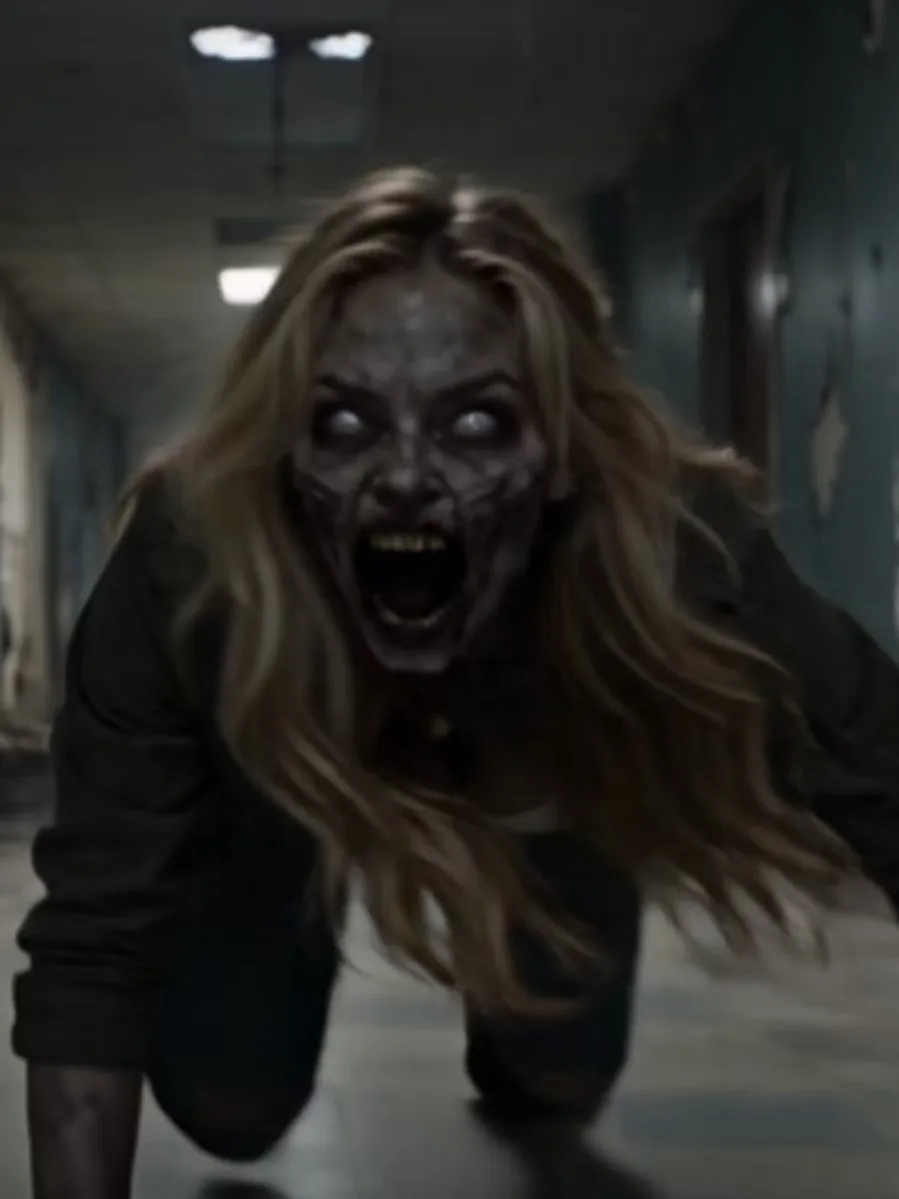
Concept illustration of the preset zombie reunion story, not a customer result.
If you want the zombie-to-hug transition in a general AI video tool, direct the action and continuity, not just the mood. The infected character must move toward the survivor, and that same movement must continue into a pre-apocalypse embrace. A prompt that merely says “then make it happy” often creates a bright version of the ruined location instead of a convincing memory.
This guide is for DIY creators who want to write the shots themselves. If you only want the standard two-photo reunion without prompts, AI Zombie Video uses a preset story.
Copyable AI zombie video prompt
Use your video model's reference-image feature where available. Adapt the following text to its format and limits:
Create a cinematic, fictional 15-second zombie reunion with two consistent adult characters based on the supplied, permissioned reference images. Character A is the human survivor; Character B is the infected loved one. In a deserted location after an apocalypse, start with a close shot of A facing the threat and raising a prop weapon. Reverse to reveal B, recognizable beneath restrained zombie makeup. A recognizes B, visibly chooses not to fight, opens their hand and allows the weapon to fall. A remains in place. B suddenly rushes forward toward A. Before contact, use a match-on-action cut: maintain B's direction and speed but transform the encounter into a warm memory before the disaster. In the memory, both characters look healthy and B's rush becomes an affectionate embrace with A in a peaceful open park in warm late-afternoon sunlight. Keep the faces, clothing identity cues and direction of movement consistent. Prioritize natural human motion, clear staging, non-graphic storytelling and a readable emotional transition. No text, logo, gore or extra characters.
This is a creative starting prompt, not a guarantee that every video model will execute all the shots accurately.
The key is the movement at the cut
Think about what the viewer sees in the last fraction of a second before the transition:
- Before: B runs or lunges toward A from the same side of the frame.
- At the cut: B is close enough that the direction of the movement is unmistakable, but contact has not yet occurred.
- After: Healthy B continues that same trajectory into A's arms in the warm memory.
If the warm scene starts with two people already posing together, the edit has no motion to match. If the memory is just a sunny abandoned hospital, it lacks the visual contrast that tells viewers they are seeing life before the outbreak.
Story illustration. Your actual generated frames can differ.
When a single long prompt fails, split it
Many tools struggle to fit several camera angles, role changes and a time jump into one short shot. Instead, create two clips:
Clip A — apocalypse: A raises and drops the weapon. B's face is revealed. B charges. End just before impact.
Clip B — memory: Begin with B entering frame in a similar body pose and direction, then finishing the movement in a hug. Use warm lighting, intact surroundings and healthy versions of both characters.
Join the clips in an editor on the matching action. Keep camera height and framing similar across the cut. You can use CapCut for that editing task, but the raw video still needs to be made first.
Avoid these common prompt mistakes
“They hug and everything becomes normal.” That leaves the model to invent the moment of change. Specify the exact instant of the cut.
“The zombie crawls toward the survivor.” Unless crawling is intentional, explicitly say runs upright on two feet with a physically plausible stride.
“The same ruined building becomes sunny.” A change of lighting is not always a change of time. Describe healthy characters, undamaged surroundings and a peaceful memory location.
“Show every shot in 3 seconds.” Too many actions lead to rushed cuts and unstable faces. Simplify the scene or split it into separate generations.
For more diagnosis, read why zombie videos can look wrong.
Which parts can you control on this website?
Our preset generator uses a fixed survivor-versus-infected story with an automatic warm-memory ending. You can optionally describe the apocalypse location, weather and atmosphere, plus select 9:16 / 16:9 and 480P / 720P. You cannot paste this prompt to replace the plot or select custom shot directions.
That is the dividing line: use the preset generator for the recognizable trend, or use this prompt with a flexible AI video tool for a different cinematic treatment.
More reading: The trend's story beats and variations · Dreamina's zombie love story scene ideas.