
How to Make an AI Zombie Couple Video
Choose the survivor and infected partner, prepare two portraits, and turn your relationship into the zombie love story video.
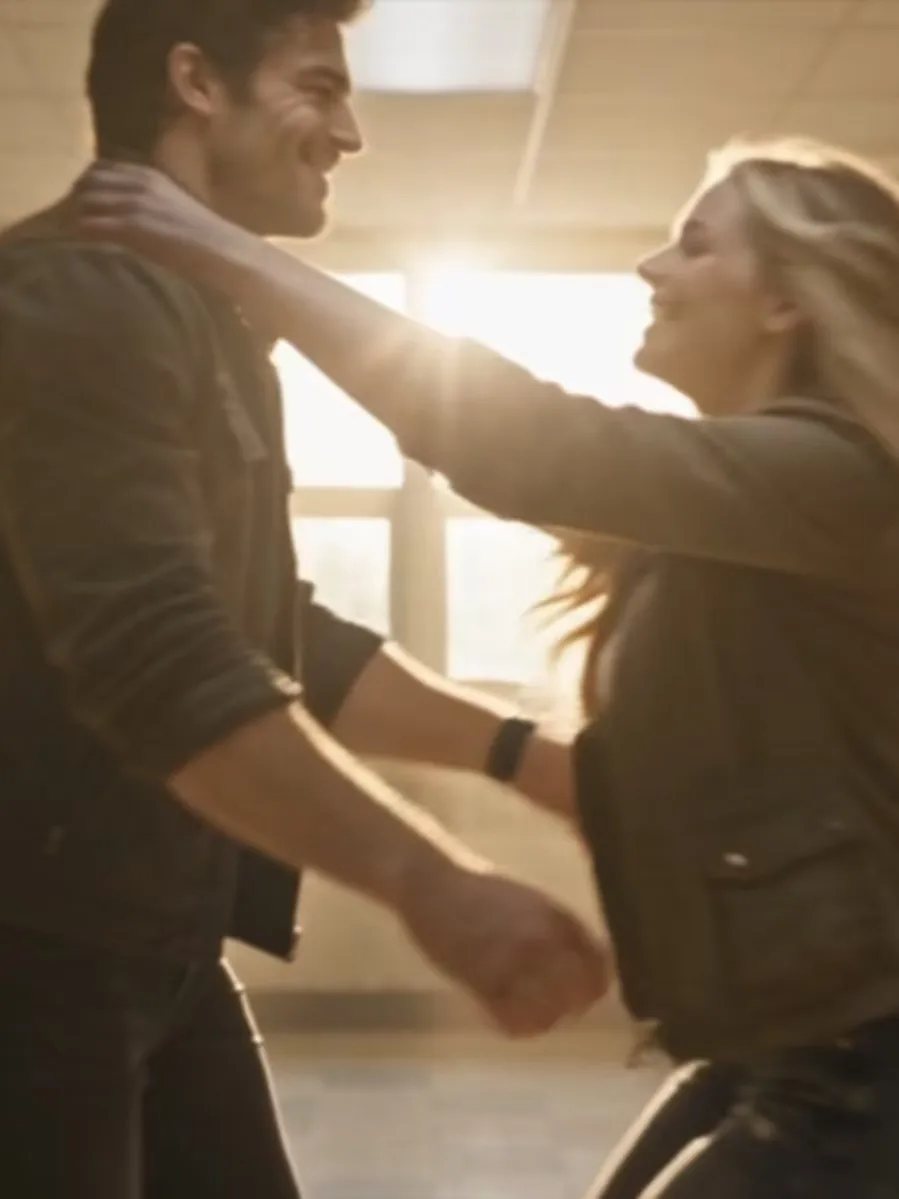
Concept illustration of the preset zombie reunion story, not a customer result.
To make an AI zombie couple video, choose which partner survives and which one becomes infected, then use one clear portrait of each person. The recognizable zombie love story is not about winning a fight: the survivor realizes who the infected person is, lowers the weapon and the approaching zombie becomes a loving memory.
This is for consenting adult couples who want a short, emotional video featuring their own faces, rather than a general zombie makeup filter.
First, decide who is who
In AI Zombie Video, the upload order matters:
- Photo 1 — Survivor: the person who initially raises the weapon and then chooses not to fight.
- Photo 2 — Infected: the partner shown as a zombie during the confrontation, then healthy in the memory.
There is no default rule that one partner must be the survivor. If you reverse the images, you reverse their roles. Discuss the idea with your partner before using their likeness.
Pick portraits that help the story
Choose images with visible faces, even lighting and one subject each. A close selfie may work if it is not distorted by a wide-angle lens; a simple chest-up portrait is usually easier to read.
Avoid photographs in which your partner's face is hidden by another person, sunglasses or a dramatic angle. If the two pictures have very different filters or stylized appearances, the model has more work to do to keep the characters recognizable.
The site accepts JPG, PNG and WebP up to 8 MB per image. Both people must be adults and you must have permission to use their photos. For the full checklist, see best photos for the zombie trend.
Create a couple version in three steps
- Upload both portraits on the generator page. You can do this before signing in.
- Choose the look. Pick Standard 480P or HD 720P, plus vertical 9:16 or widescreen 16:9. You can optionally describe the ruined setting, such as an empty seaside road at dusk. The plot stays fixed.
- Sign in and generate. The tool requires credits to produce the video: 10 credits for Standard or 15 for HD. One-time packs start at $6.90. After completion, find the video in My Videos and download it.
The site does not let you rewrite the ending or choose a different romantic action. If you want a wedding proposal or dance instead of this fixed reunion, use a general-purpose video creator.
This is a visual illustration of the story, not a generated couple's personal footage.
Make it meaningful without changing the plot
The core story cannot be customized, but you can choose context around it:
A first-date location. Use a familiar city street or café district as the described apocalypse setting. Do not assume an exact original landmark will be reconstructed.
A favorite outdoor place. Try a quiet park, beach road or countryside setting so the confrontation has a personal reference point.
A private caption. Add a short line in an editor after downloading, such as “Even in another lifetime.” The caption is a post-production choice, not something this generator guarantees to render.
An anniversary surprise. Choose photographs your partner likes, check the result privately, then share it as a fictional moment.
For other relationship-based ideas, see zombie hug video ideas.
What makes a good couple result?
The strongest version keeps both people recognizable during the tense scene and the flashback. Watch the weapon drop, the charge and the memory cut in motion—not just the first frame. AI can struggle with contact between bodies, hands and consistent faces. A further generation is not guaranteed to fix every artifact, and a new submitted video uses credits.
If you want to understand how this compares with other workflows, read how to make the trend and CapCut versus a generator.
In short: a couple version is the same 15-second two-photo story with your own role assignments. It is an intentionally narrow format, not a customizable romance-movie studio.