
Why Does My AI Zombie Video Look Wrong?
Learn what causes face changes, awkward movement, broken hug transitions, and scene mismatch—and what you can actually control.
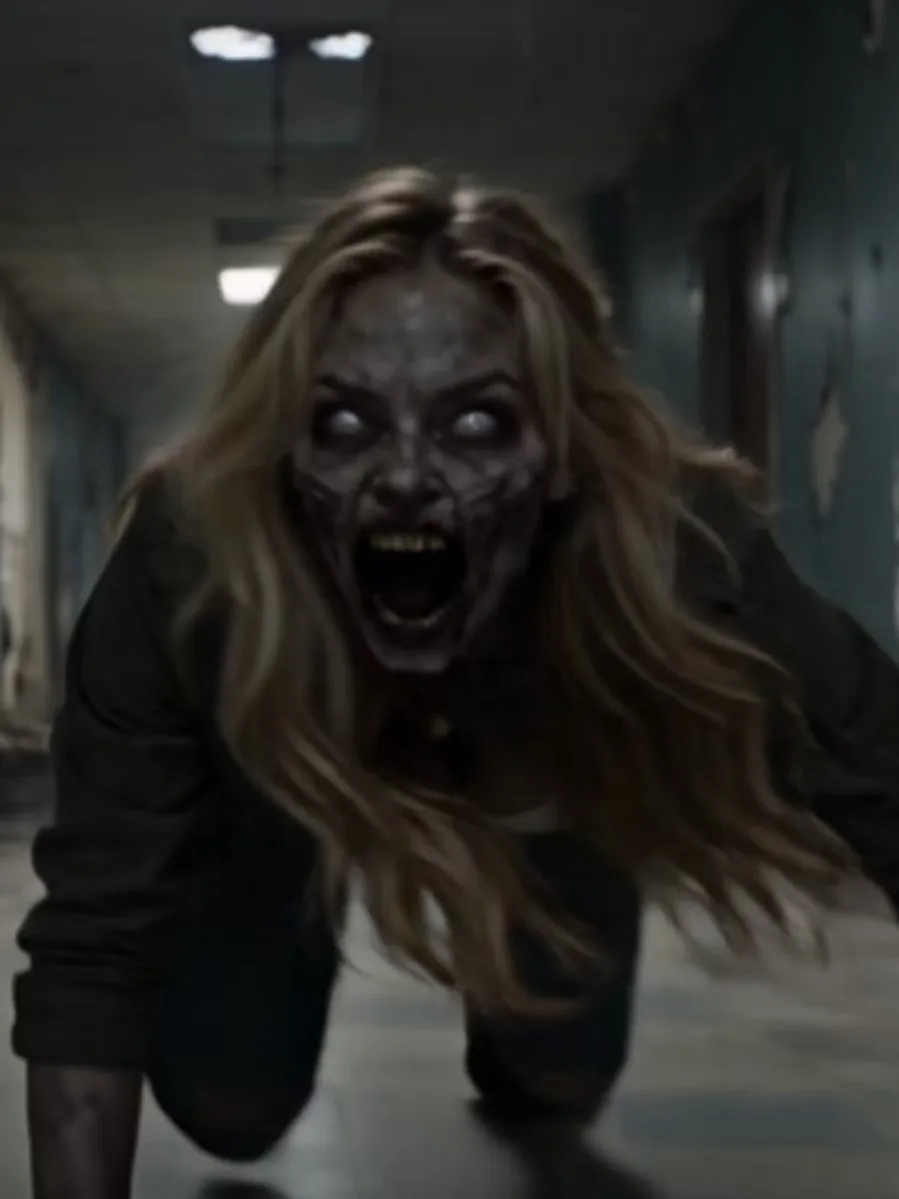
Concept illustration of the preset zombie reunion story, not a customer result.
An AI zombie video can look wrong even when the prompt or photos seem reasonable. The hardest moments often involve keeping two identities stable, moving bodies toward each other and cutting between two timelines. Those are demanding video-generation tasks, particularly in a short clip.
This guide explains what to check in the source images, the generated motion and the editing method. It does not guarantee that a specific regeneration will fix an issue.
Problem: The zombie crawls instead of running
Likely cause: the model interpreted an aggressive “lunge” as a low, animal-like movement rather than an upright approach.
For DIY prompting: describe the character running upright on two feet, with natural human stride and a consistent direction across the frame. Specify that the cut happens before physical contact. Keep one clear action instead of several simultaneous poses.
On our preset generator: you cannot rewrite the action prompt. You can replace ambiguous reference photos, but there is no manual control for the running direction or pose.
Problem: The flashback is just the same ruined place in warm light
This is a common storytelling error. Merely changing the color grading does not clearly communicate that the video has moved to a time before the disaster.
For a DIY model, describe three independent changes: healthy characters, intact surroundings and an affectionate embrace. A peaceful open park or grassy field can communicate a memory more clearly than a still-damaged building with warmer lighting.
On AI Zombie Video, the warm memory is part of the fixed story. You can optionally describe the apocalypse setting, but there is no separate field to direct the memory location.
Problem: The two faces switch places
Double-check the upload roles: Photo 1 is the survivor, and Photo 2 is the infected character. Each image should contain one clearly visible subject.
Look for a source image with hidden eyes, a steep camera angle or heavy filters. These can create ambiguous identity cues. Try the photo preparation checklist before assuming the problem is only in the prompt.
Problem: The hug looks unnatural
A fast run into close body contact requires the model to coordinate hands, arms, torsos and camera perspective. Common visible artifacts include merged arms, a sudden jump in pose or an inconsistent sense of distance.
For DIY work, consider ending the first shot before contact and beginning the memory with both characters moving into an embrace from a similar direction. An editor can hide some discontinuity by cutting on motion. Read the match-on-action zombie prompt guide.
Story illustration, not a measured reproduction of a model failure.
Problem: The scene changes too suddenly
A sudden cut can be intentional; an accidental discontinuity looks like characters jumping to unrelated positions. Compare their relative sizes, movement direction and screen placement just before and after the edit.
If you are editing two clips yourself, trim the precise frame where the motion matches. If the clip comes from a preset generator, this is not an independently editable transition within the site.
Before spending credits on another attempt
Use this checklist:
- Are the two subjects clearly visible in separate reference images?
- Is the survivor in the first slot?
- Are the images within the supported 8 MB JPG/PNG/WebP requirements?
- Is the output issue in a brief moment or throughout the video?
- Does the issue require control that the preset generator does not provide?
A fresh generation is another paid task if submitted successfully. The site consumes 10 credits for Standard 480P or 15 for HD 720P. Confirmed failed tasks return consumed credits, but an imperfect successfully generated video is not the same as a failed task. See pricing and credit rules.
When should you switch tools?
If your goal is the exact preset reunion, the two-photo generator is designed for convenience. If you need guaranteed framing, an unusual interaction or a different ending, a general AI video workflow gives you more creative controls—though it can still produce artifacts.
For the broader distinction, see how CapCut and AI generators differ.
The central fix is clarity: define identities, preserve movement, and treat the memory as a change in time—not merely a change in lighting.